Browse Classes

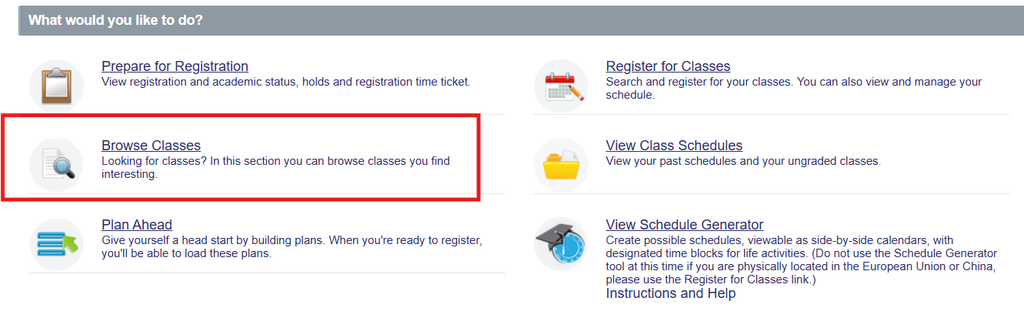
Class Registration Menu

  1. Select Browse Classes
  2. Choose the term you wish to view
  3. Click the Continue button
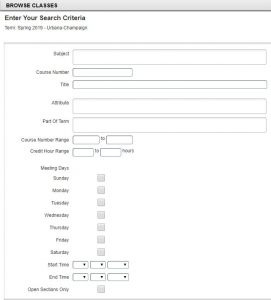
  4. Ways to search for classes
    1. Select by Subject from the available drop-down menu.
      1. More than one subject can be entered.
    2. Type in the field and results will auto-populate.
    3. Search by Course Number
    4. Search by Course Title
  5. Click the Search button to search for the classes using the entered criteria.

Helpful Tips:

  • Browse Classes does not allow you to register. Registration is done through Plan Ahead or Register for Classes.
  • You can use “%” as a wildcard in a search field to narrow your results. For example, “%account%” in the Title search box would result in any classes with that phrase “account” anywhere in the title name.
  • You may search for only open sections by using the Advanced Search option and check the Open Sections Only box.
Office of the Registrar
901 West Illinois Street
Urbana, IL 61801
Email: registrar@illinois.edu