Registration Main Menu
Registration Steps
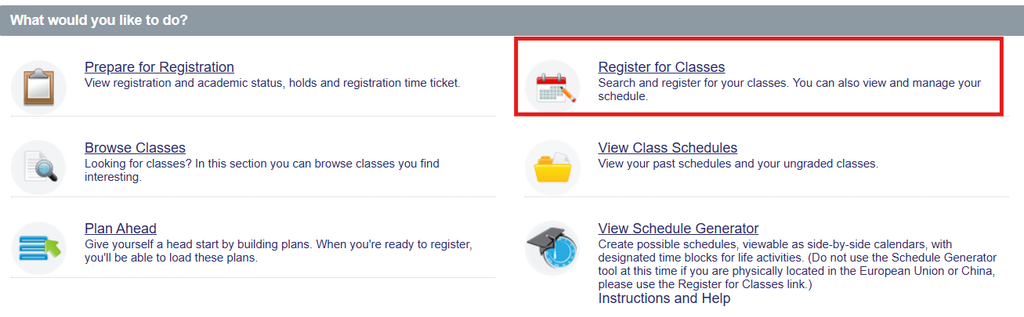
- Select the Register for Classes option.
- Select the term you would like to register for and click Continue.
- Select the Schedule and Options tab
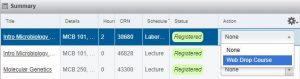
- Next to each sections in the Summary Panel is a drop-down menu.
- Select “Web Drop Course” in the drop-down field next to the class(es) you want to drop.
Students can ONLY drop ALL courses prior to the first tuition assessment. Once tuition assessment for the term has happened, student must submit a Cancellation request.
Course drop deadlines can be found in the applicable semester’s Academic Calendar