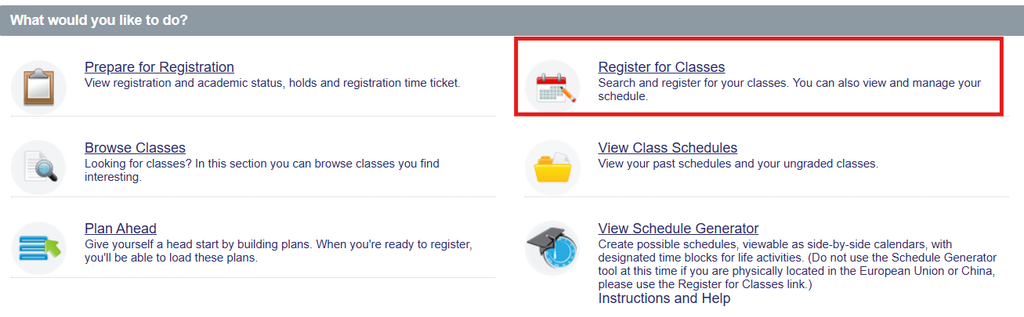
Registration Main Menu
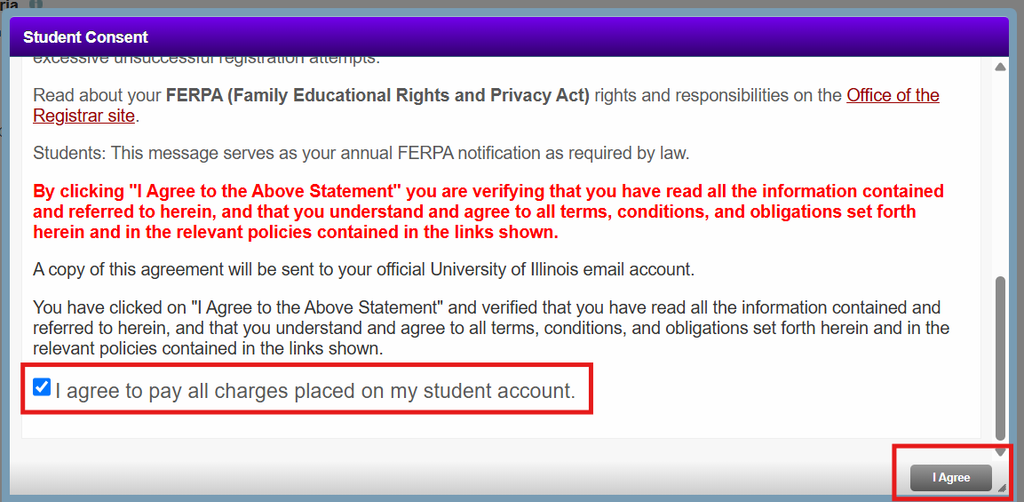
The first time that Class Registration is accessed for a term all students are requited to read and agree to the university registration consent statement. A copy of this agreement will be emailed to your University of Illinois email address.
Registration Steps
- Select the Register for Classes option.
- Select the term you would like to register for and click Continue.
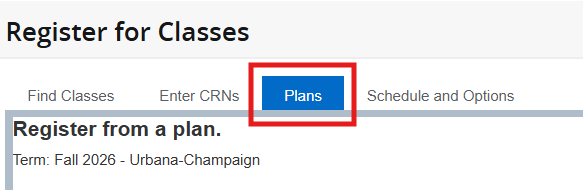
- Select the Plans tab to view plans that you have created. (How to Plan Ahead)
- Find the plan you want to use for registration and click the Add All button. You can also add sections of the plan individually by clicking the Add button next to a section. The sections from that plan now appear in Pending status in the Summary panel.
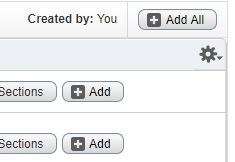
Helpful Tip: For course sections where seat availability may be limited, you can use the View Sections button next to a section on the plan. All sections for that course are displayed and you can add an alternate section to your plan if the one you originally selected is full.
- Click the Submit button to save your registration.
- At this time, seat availability and registration restrictions are checked.
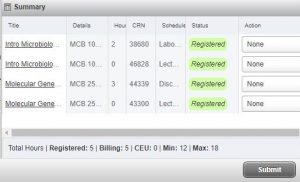
- Courses that have been successfully registered will have a status of “Registered“ displayed in the Summary Panel.
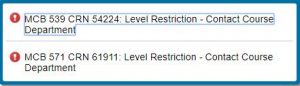
- If a seat is unavailable or you do not meet the registration requirements, a notification message will appear. If this happens, you are NOT registered for the course.